Create, deliver, and grade assessments in one place
From first draft to final grade, Ans is a tool that simplifies the entire assessment workflow. Create exams faster, deliver them on paper or digitally, reduce manual marking, and provide students with results and feedback more efficiently.
Build better assessments together
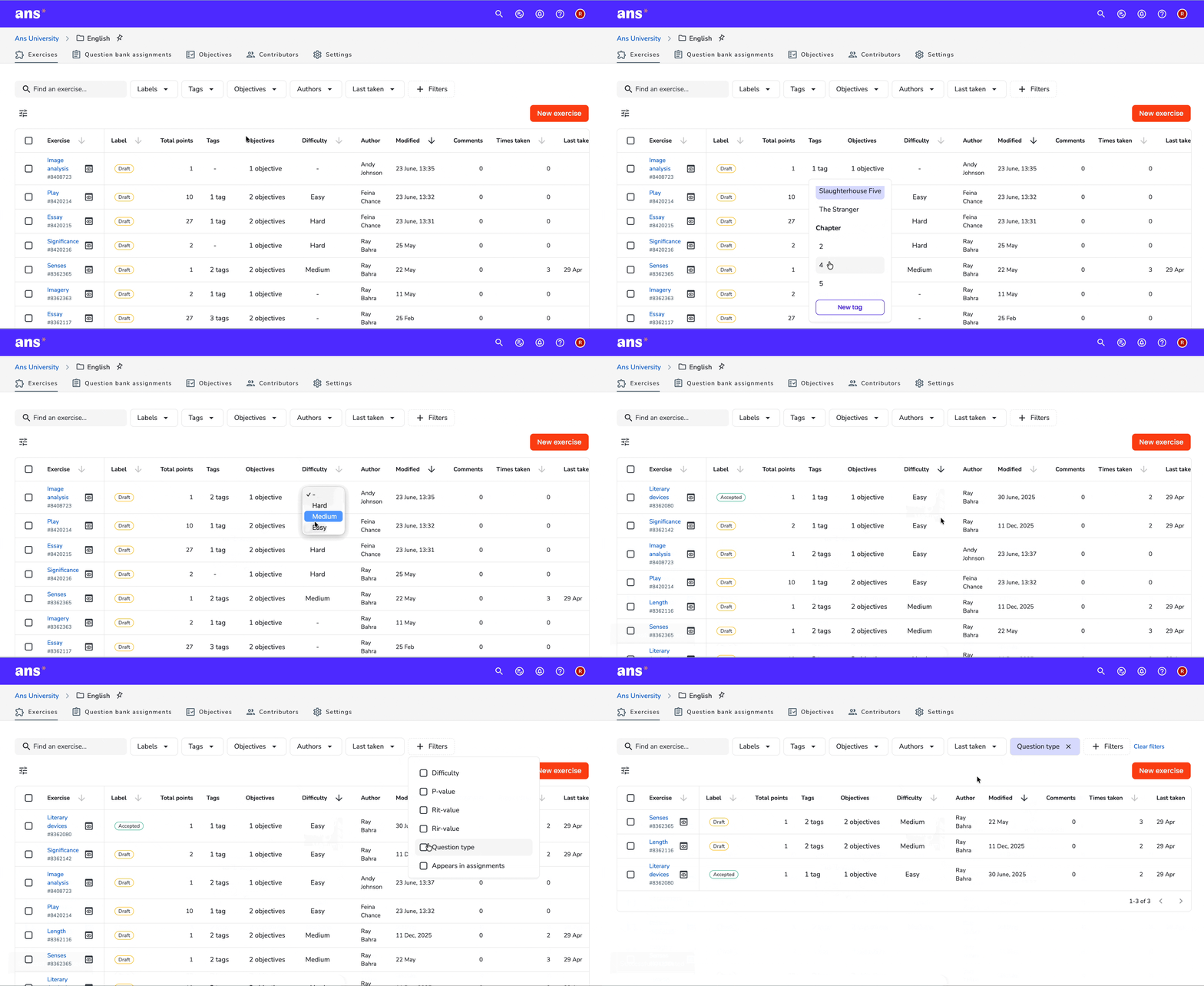
Develop a shared question bank your team can reuse, refine and scale over time. Collaborate on exercises, organise them to your specifications and deliver smarter assignments.
Keep content structured with metadata such as tags and labels
Replace manual exercise selection with assignment generation
Import existing exercises and reuse them
Adapt to every testing scenario
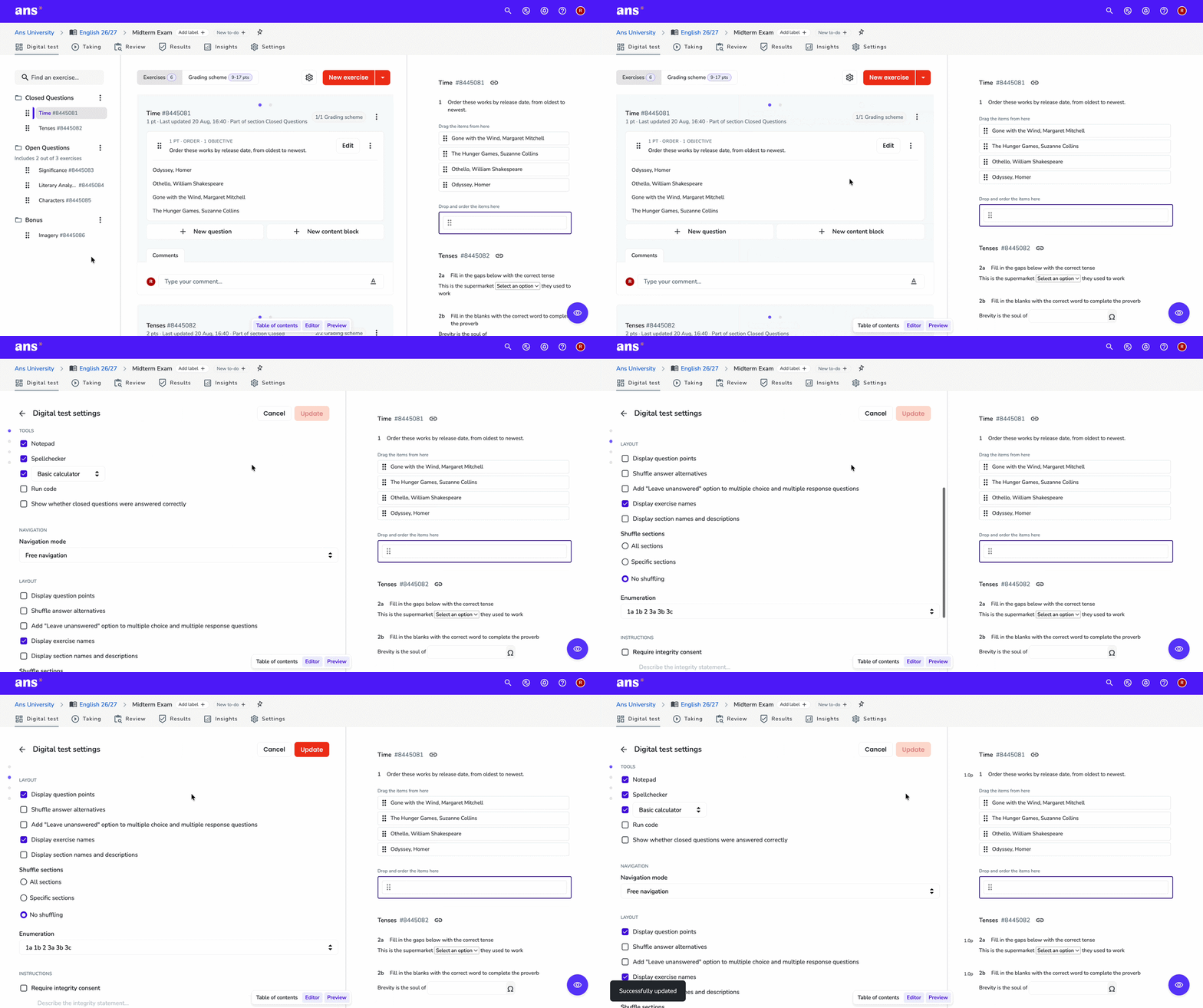
Switch between paper-based and digital tests in one click. Shape each test to the needs of your course with randomised sections, unique question variants and accessibility settings.
Support maths, writing, and coding with built-in student tools
Large font, dyslexia and high contrast modes
Proctor, plagiarism and lockdown integrations to reduce cheating
Preview every test from the student perspective before it goes live
Reduce marking time and workload
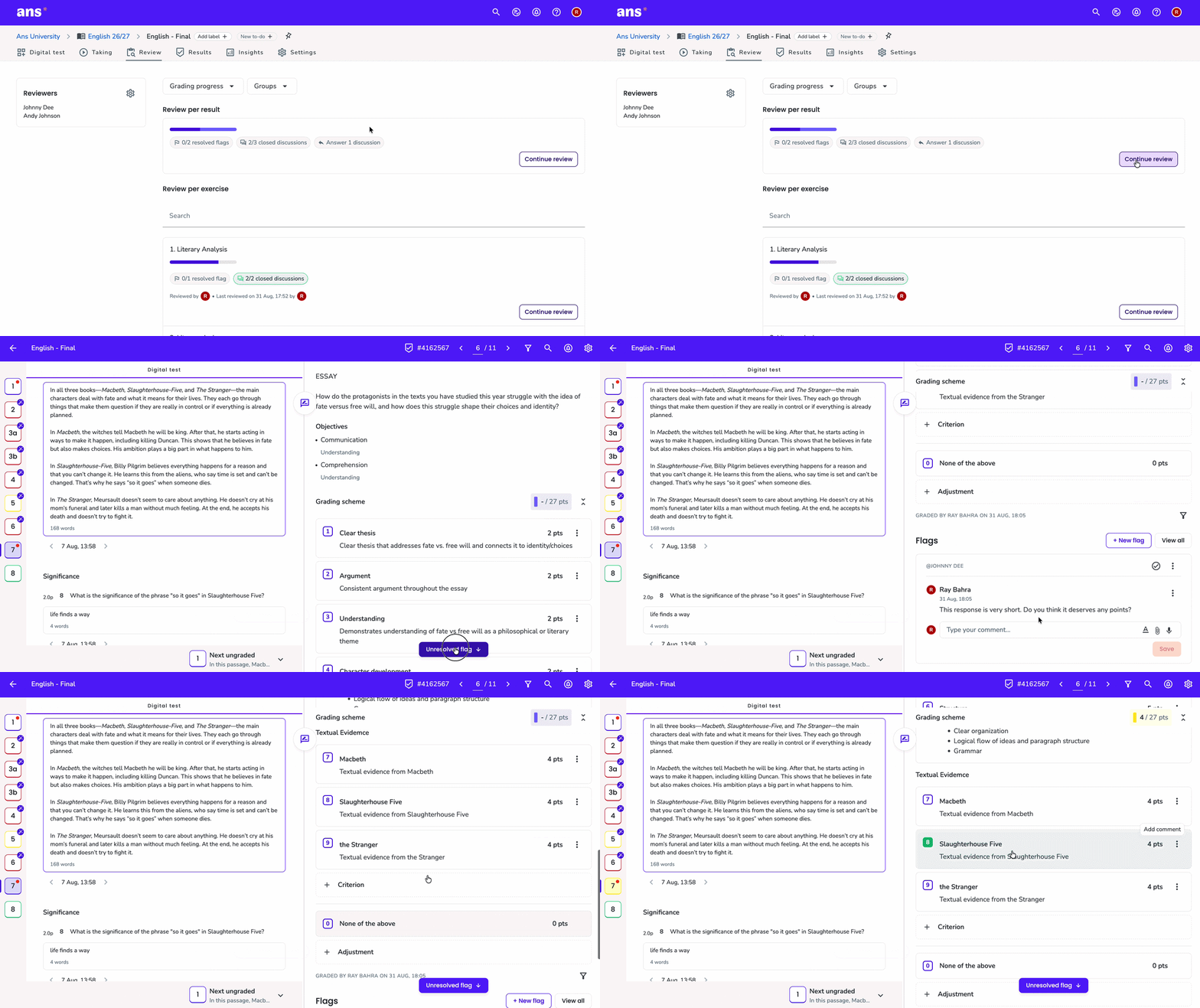
Speed up grading with automatic marking. Let Ans handle repetitive grading, assign reviewers to divide open-ended answers across your team, and keep results consistent at scale.
Automatically grade closed-ended questions
Review by student, question, group, class, or selected subset
Use grading filters, flag specific answers to discuss uncertainty, and align marking decisions
Give faster, clearer feedback
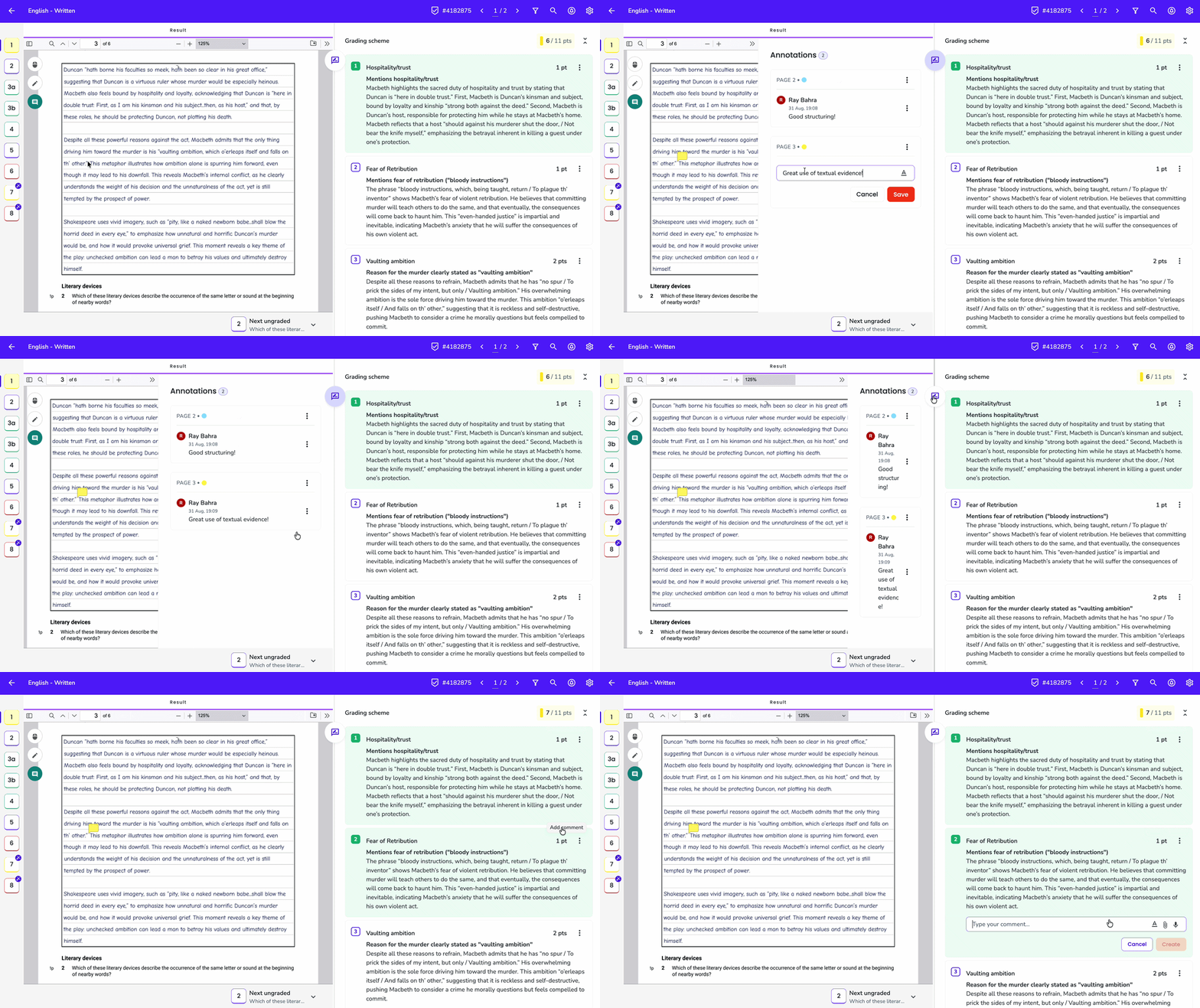
Turn grading into meaningful feedback. Publish exactly what students need, explain decisions with comments and annotations, and manage follow-up questions.
Control what students see, from marks to model answers
Add in-line annotations and reusable quick comments while reviewing
Let students ask follow-up questions via discussions to keep the entire assignment process in one place
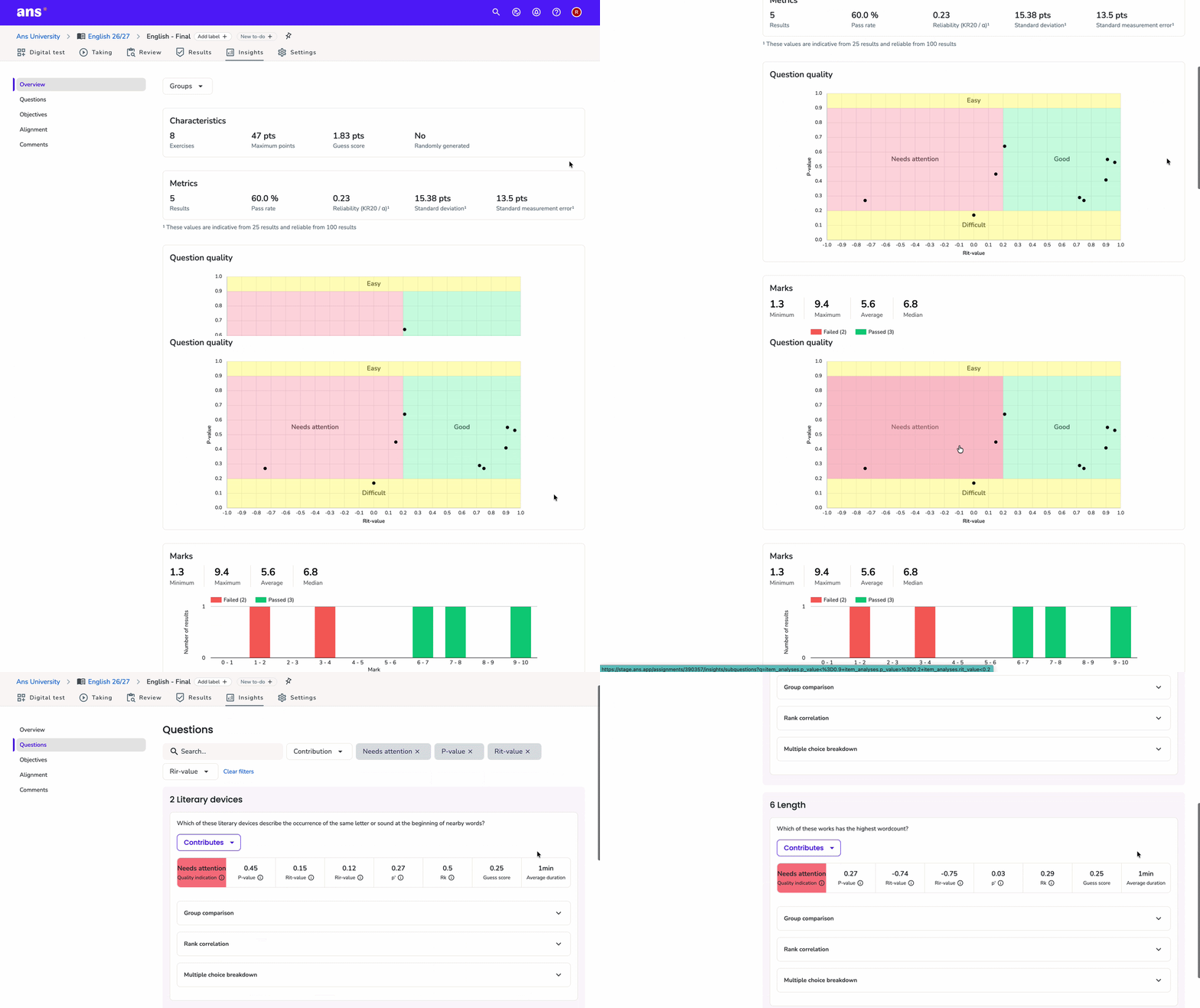
Use insights to make informed decisions
Reflect on question quality, compare reviewing behaviour and use data to improve assessments and feedback without the need for external tools.
Identify which questions are too easy, too difficult, or need attention
Compare reviewer behaviour to improve grading consistency across your team
Adjust question weighting, grading schemes, and feedback based on real performance data
Gage reliability, pass rates, and learning objective performance in one place
Not convinced yet?
Try Ans for free for 30 days now and review your exams in half the time
By clicking “Accept All Cookies”, you agree to the storing of cookies on your device to enhance site navigation, analyze site usage, and assist in our marketing efforts. View our Privacy Policy for more information.